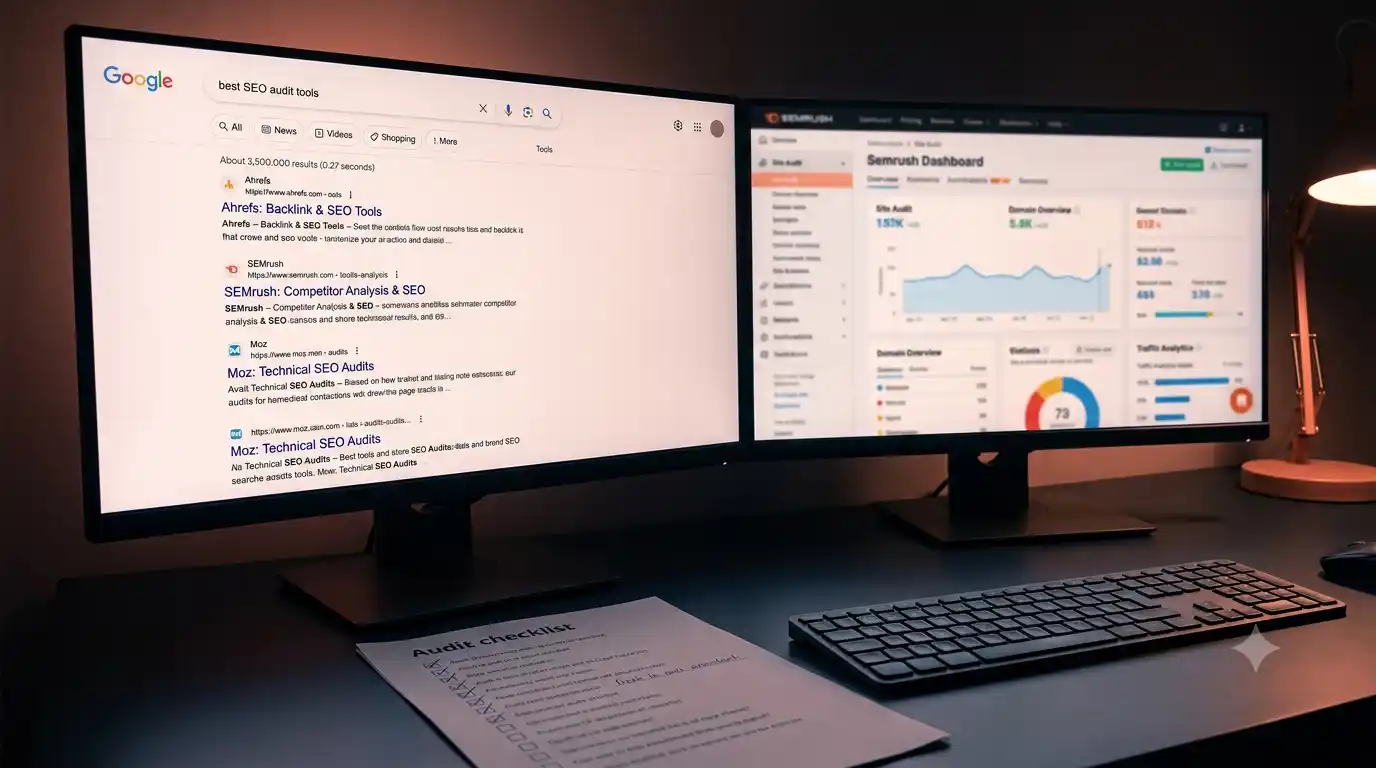
Technical SEO for SaaS: The Checklist Google Actually Rewards
HM
Helmy Maulidina
Marketing Director
SaaS sites carry technical complexity most marketing sites don't face, from app subdomains to JavaScript-heavy frameworks that can quietly block Google from ranking your pages. This guide covers the five technical areas that actually move rankings, plus a quick audit checklist.
The Checklist Google Actually Cares About
Technical SEO for SaaS comes down to five areas: crawlability, site speed, structured data, indexation control, and mobile rendering. Get these right and content has a fair chance to rank.
SaaS sites have unique technical complexity most marketing sites don't face: app subdomains, gated content, dynamic pricing pages, and JavaScript-heavy frameworks. Each of these can silently block Google from properly crawling or ranking your marketing pages if left unchecked.
What this guide covers: we'll go through crawl budget and site architecture, Core Web Vitals and why they matter more for SaaS than most site types, structured data for software products, indexation control for app and marketing domains, mobile rendering issues specific to JavaScript frameworks, and a quick audit checklist you can run this week.
Crawl Budget and Site Architecture
Crawl budget determines how much of your site Google bothers to crawl regularly. SaaS sites with bloated navigation or orphaned pages waste this budget on low-value URLs.
A flat, logical architecture where every important page is reachable within three clicks from the homepage helps Google prioritize correctly. Deep nesting (pricing pages buried five levels under a resources hub, for example) signals low importance even if the content itself is strong.
When we audit a prospective client's site before a strategy call, the most common gap we find is a sprawling blog structure with tag pages, author pages, and date archives all being crawled and indexed alongside real content. This dilutes crawl budget across thousands of low-value URLs instead of concentrating it on service and product pages that actually convert.
Internal linking also shapes crawl priority. Linking from high-authority pages, like your homepage or top service pages, to newer content signals importance faster than waiting for organic discovery.
Core Web Vitals: Why SaaS Sites Struggle Here
Core Web Vitals measure loading speed, interactivity, and visual stability, and SaaS marketing sites often fail them due to heavy JavaScript frameworks built for the app, not the marketing pages.
Largest Contentful Paint (LCP) suffers when marketing pages inherit the same bundle size as the authenticated app. A pricing page shouldn't load the same JavaScript payload as a dashboard. Splitting marketing pages onto a lighter, statically-rendered stack, separate from the app shell, is often the single biggest speed win available.
Cumulative Layout Shift (CLS) is another common SaaS failure point, usually caused by dynamically injected pricing widgets, chat bubbles, or cookie banners that load after initial render and push content around. Reserving space for these elements before they load eliminates most CLS penalties.
Interaction to Next Paint (INP) tends to suffer on sites layering multiple tracking scripts and third-party widgets. Each script adds main-thread blocking time. Auditing and removing unused third-party tags is unglamorous work, but it consistently moves this metric more than any content change.
Structured Data for Software Products
Structured data using Schema.org markup helps Google understand pricing, reviews, and software category, which can unlock rich results in search listings.
SoftwareApplication schema, Product schema with pricing tiers, and FAQ schema on service pages all give Google explicit signals instead of forcing it to infer meaning from page copy alone. This matters more for SaaS than most industries because pricing and feature comparisons are exactly what searchers are trying to evaluate.
Review or aggregate rating schema, when genuinely earned, can also produce star ratings in search results, which measurably improves click-through rate even without a ranking position change.
Indexation Control: Keep the App Out of Search Results
Robots.txt and canonical tags should clearly separate marketing pages from app pages, so Google never indexes login screens, user dashboards, or duplicate trial signup variants.
A common mistake is leaving app.yourproduct.com fully crawlable, resulting in login pages and empty states showing up in search results. This wastes crawl budget and can confuse users who land on a blank authenticated screen from a search click.
Similarly, SaaS sites often generate duplicate content through UTM-tagged landing pages, A/B test variants, and localized pricing pages. Canonical tags pointing back to the primary URL prevent these variants from splitting ranking signals across duplicates.
Mobile Rendering and JavaScript Frameworks
Google renders JavaScript before indexing, but client-side-rendered SaaS marketing pages still risk incomplete indexing if critical content loads too late or depends on user interaction.
Server-side rendering or static generation for marketing pages removes this risk entirely, since content exists in the initial HTML response rather than depending on JavaScript execution timing. This is one reason many SaaS marketing teams separate their public site from their app framework, similar to the approach covered in our guide on building an organic traffic engine for B2B.
Quick Audit: Run This Checklist This Week
Here's a fast reference table for the checks that matter most, roughly in priority order.
Check
Tool
Fix Priority
Crawl errors and orphaned pages
Search Console Coverage report
High
Core Web Vitals (LCP, CLS, INP)
PageSpeed Insights
High
Robots.txt blocking app subdomains
Manual review
High
Structured data validity
Rich Results Test
Medium
Canonical tag consistency
Screaming Frog
Medium
Mobile usability errors
Search Console Mobile Usability
Medium
Fixing these in priority order usually surfaces quick wins within the first month, even before new content is published. Technical SEO is a floor you build, not a ceiling you chase indefinitely, and once it's solid the returns from content work compound much faster.
FAQ
What's the biggest technical SEO mistake SaaS companies make?
Letting the app framework dictate the marketing site's technical stack. Heavy JavaScript bundles built for authenticated dashboards slow down public pages that need to load fast and render fully for search crawlers.
Do Core Web Vitals actually affect rankings?
Yes, but as one of many ranking factors, not a dominant one. They matter more as tiebreakers between pages of similar content quality, and poor scores can suppress otherwise strong content from reaching its ranking potential.
Should our app subdomain be blocked from Google entirely?
Generally yes, for authenticated areas like dashboards and login flows. Use robots.txt disallow rules and noindex tags to keep these out of search results, preserving crawl budget for marketing and content pages that should rank.
How often should we run a technical SEO audit?
Quarterly for most SaaS sites, or immediately after any major framework migration, redesign, or CMS change. Technical regressions are common after deployments, so monitoring Search Console weekly helps catch issues before they compound.
Is server-side rendering necessary for SEO?
Not strictly necessary, since Google can render JavaScript, but it removes a layer of risk and typically improves load speed. For marketing pages specifically, static or server-rendered output is the safer, faster default.
Does structured data guarantee rich results in search?
No. Structured data makes rich results eligible, not guaranteed. Google still decides whether to display them based on relevance, page quality, and search context, so treat it as a supporting signal, not a direct lever.
About the author
HM
Helmy Maulidina
Marketing Director
Helmy Maulidina leads marketing at Mauvelab, where she owns the organic-search strategy behind the company's B2B SaaS and custom-software content. She has spent a decade building demand for technical products, pairing hands-on SEO and content architecture with a working knowledge of how engineering teams actually ship, so that Mauvelab's writing ranks for the terms buyers search and guides them toward a strategy call.